

DiceBear Studio
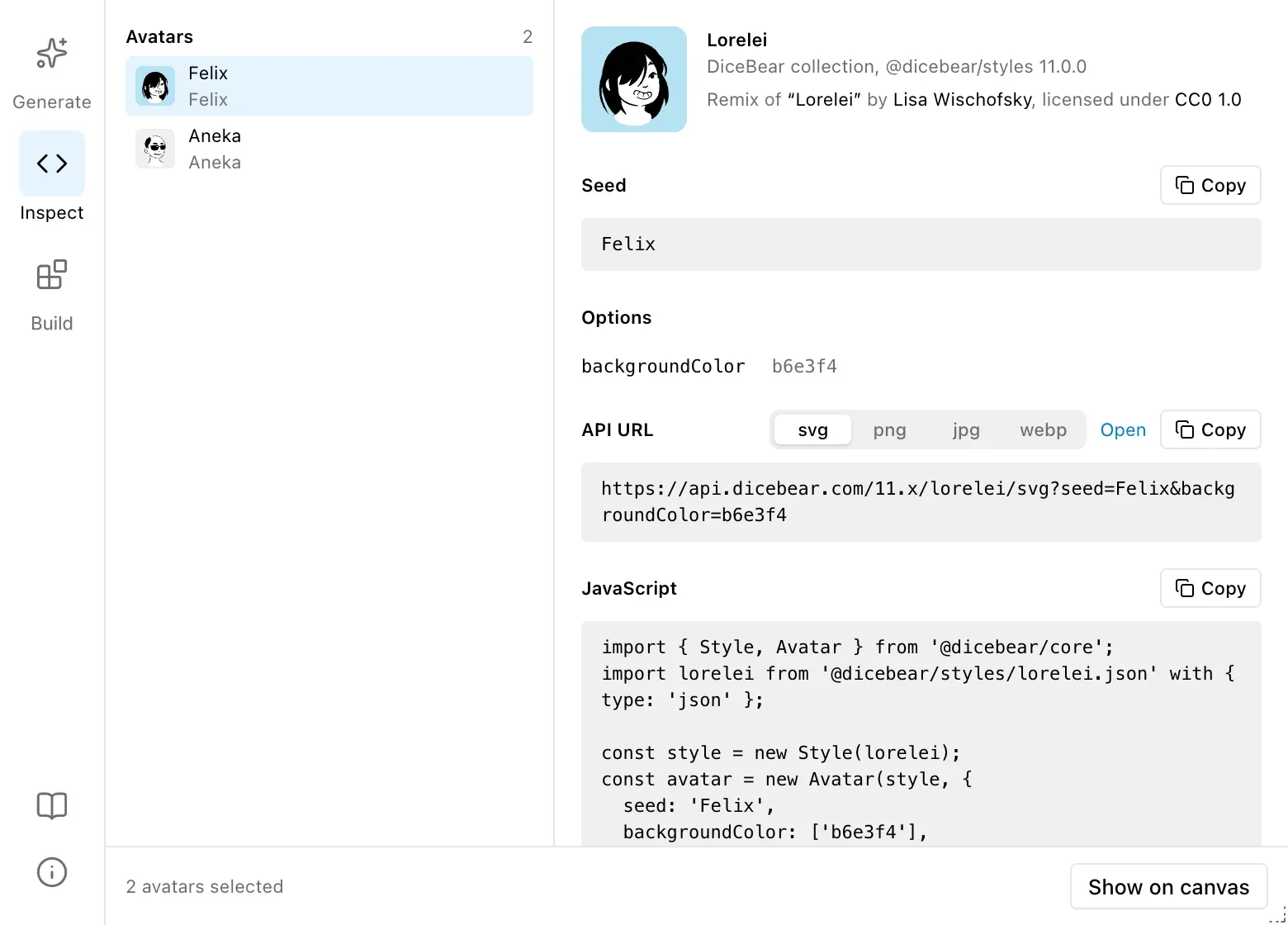
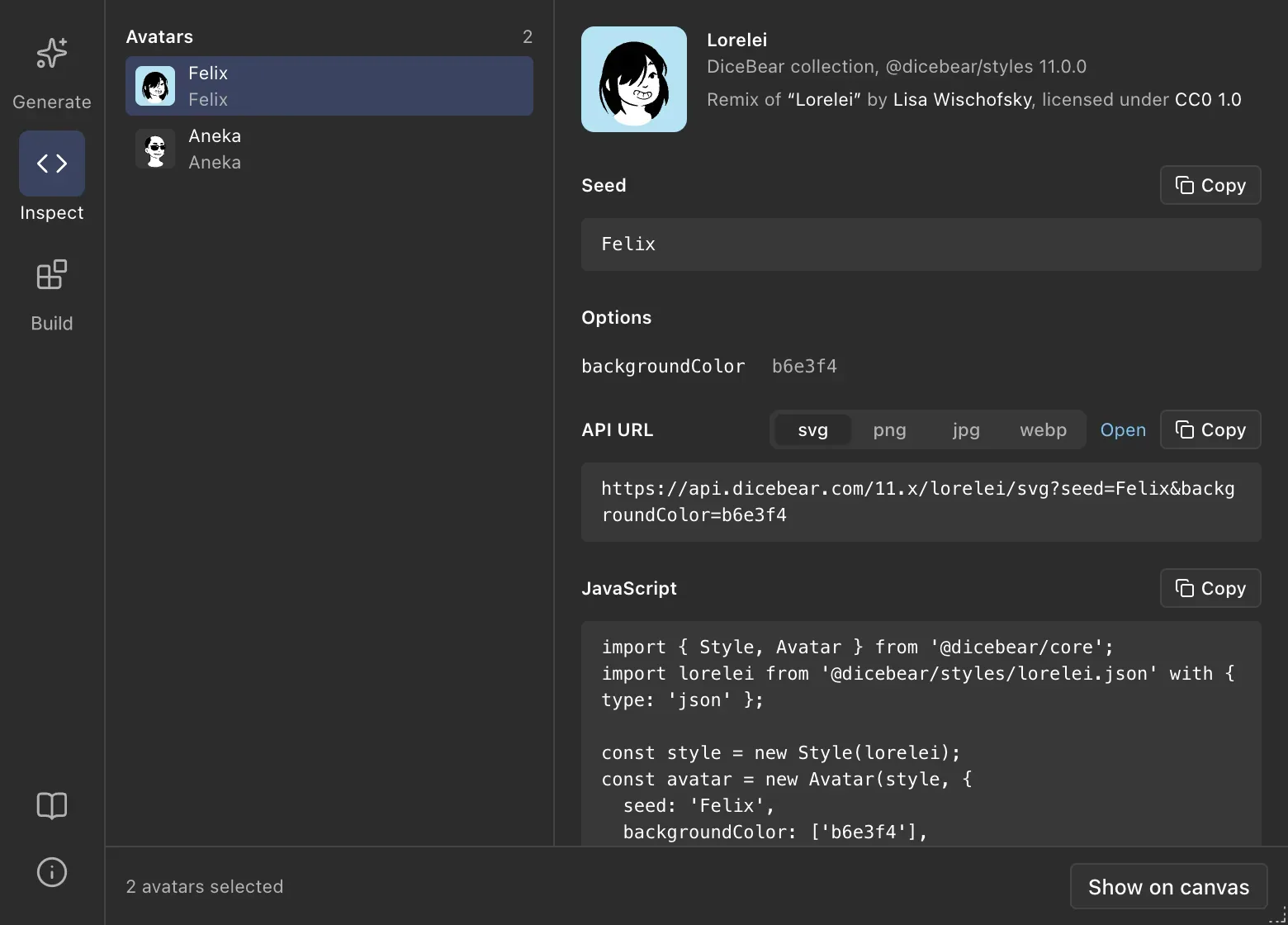
DiceBear inside Figma. It puts real avatars into your mockups, tells developers how to render the same ones, and turns your own drawings into an avatar style.
Generate
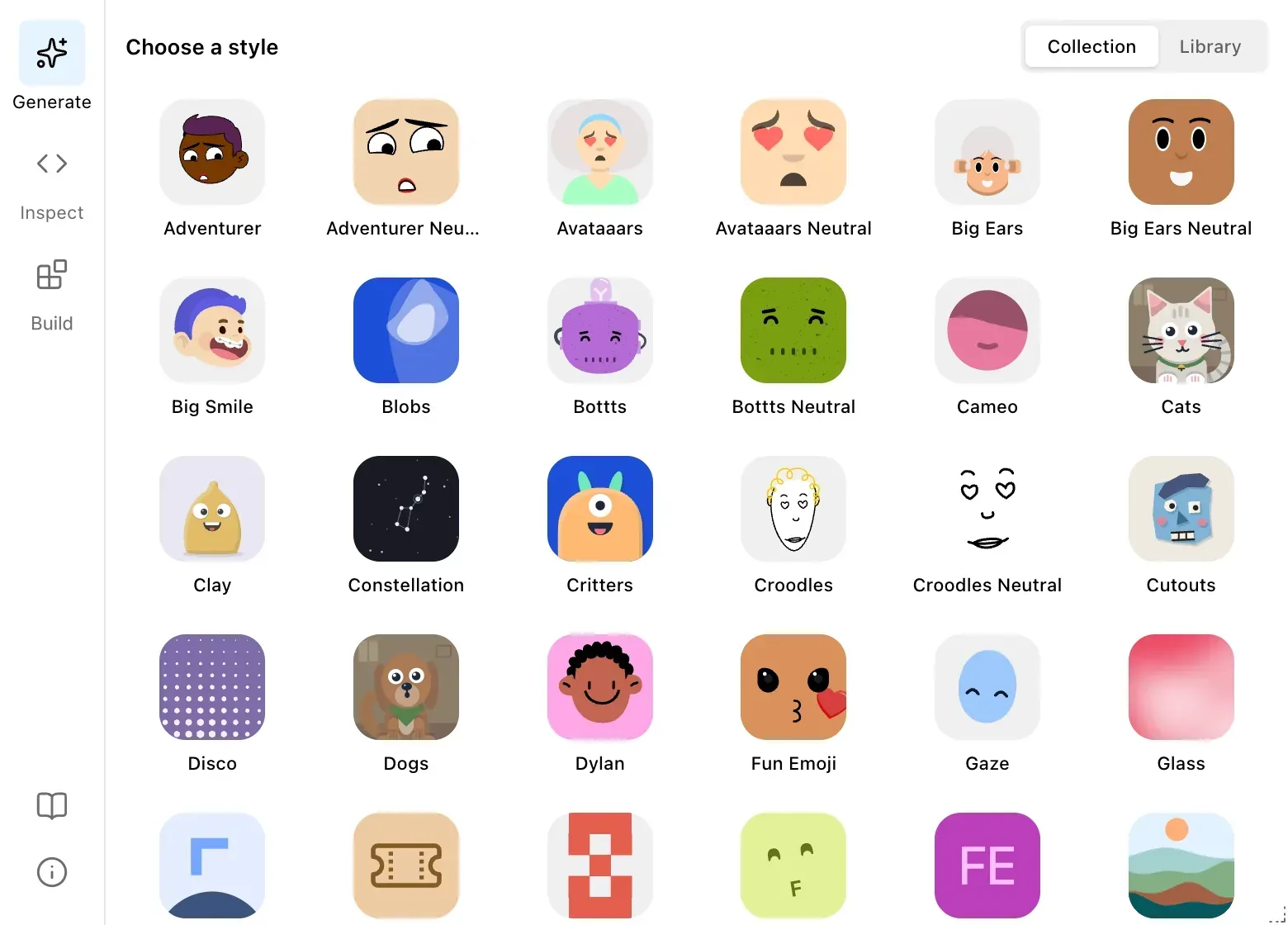
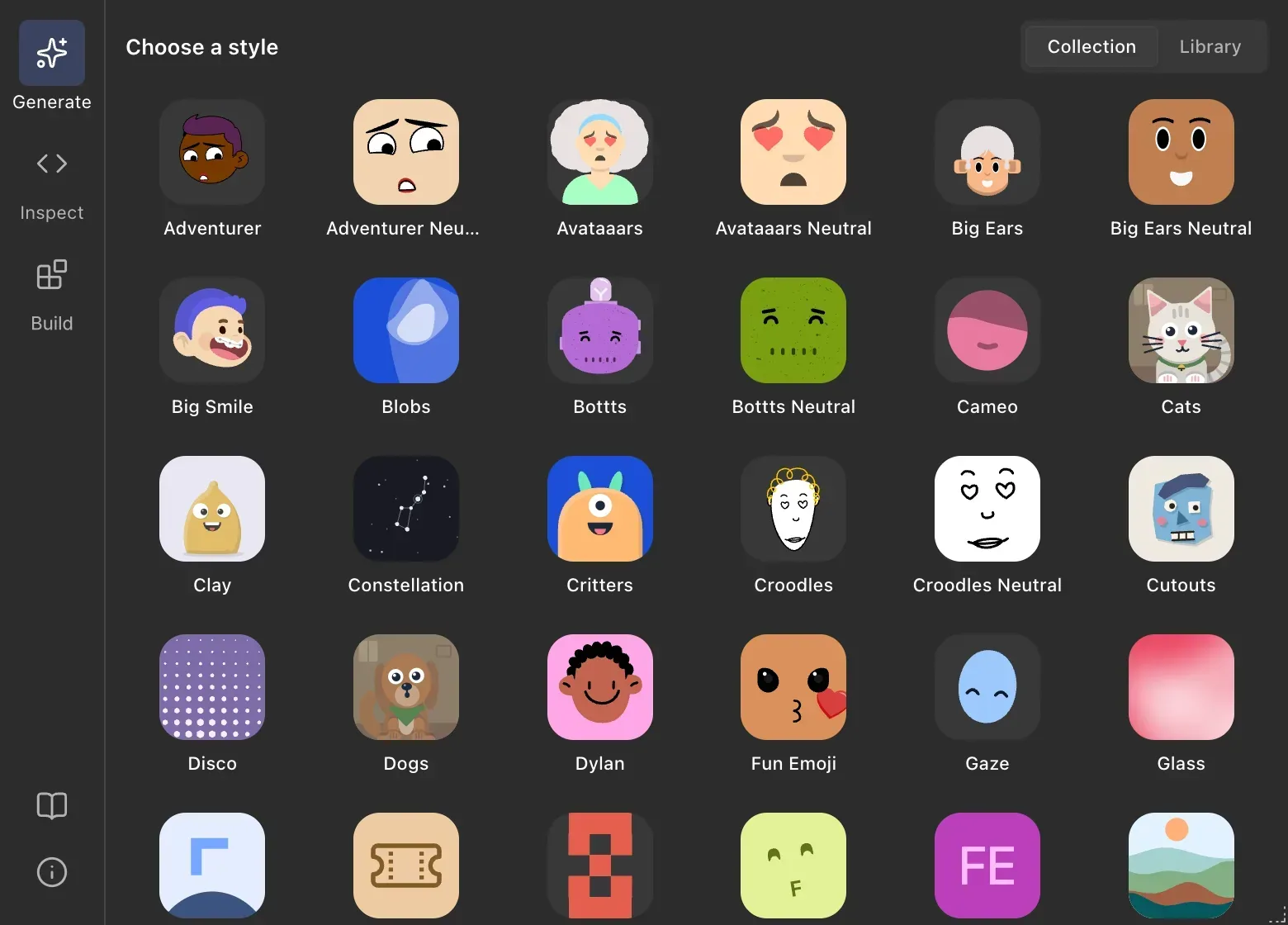
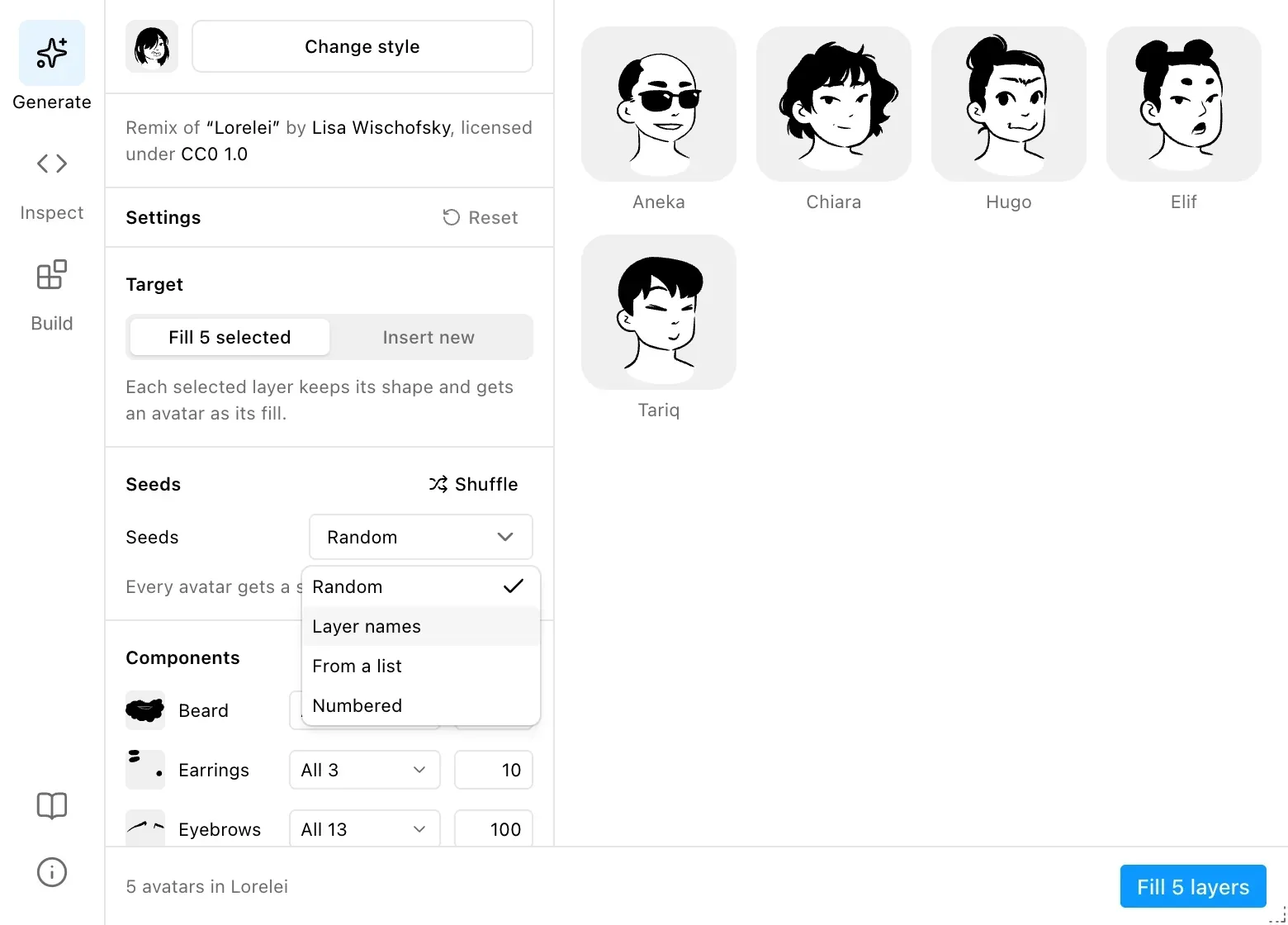
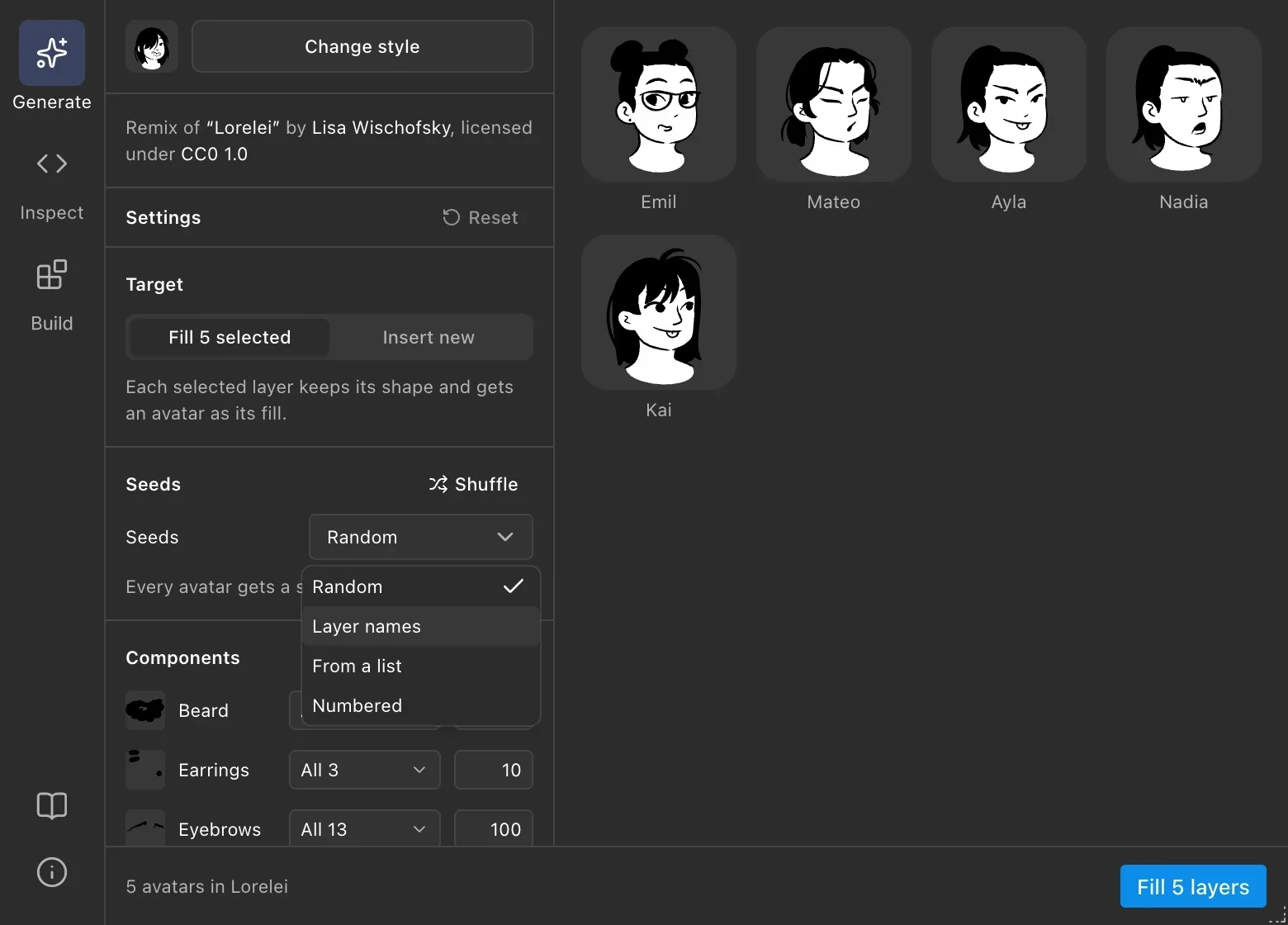
Puts avatars into your designs, either into layers you selected or as new layers. Pick a style from the DiceBear collection or from your own library, set where the seeds come from, and every option of the style is a control in the panel.
Fill selected layers
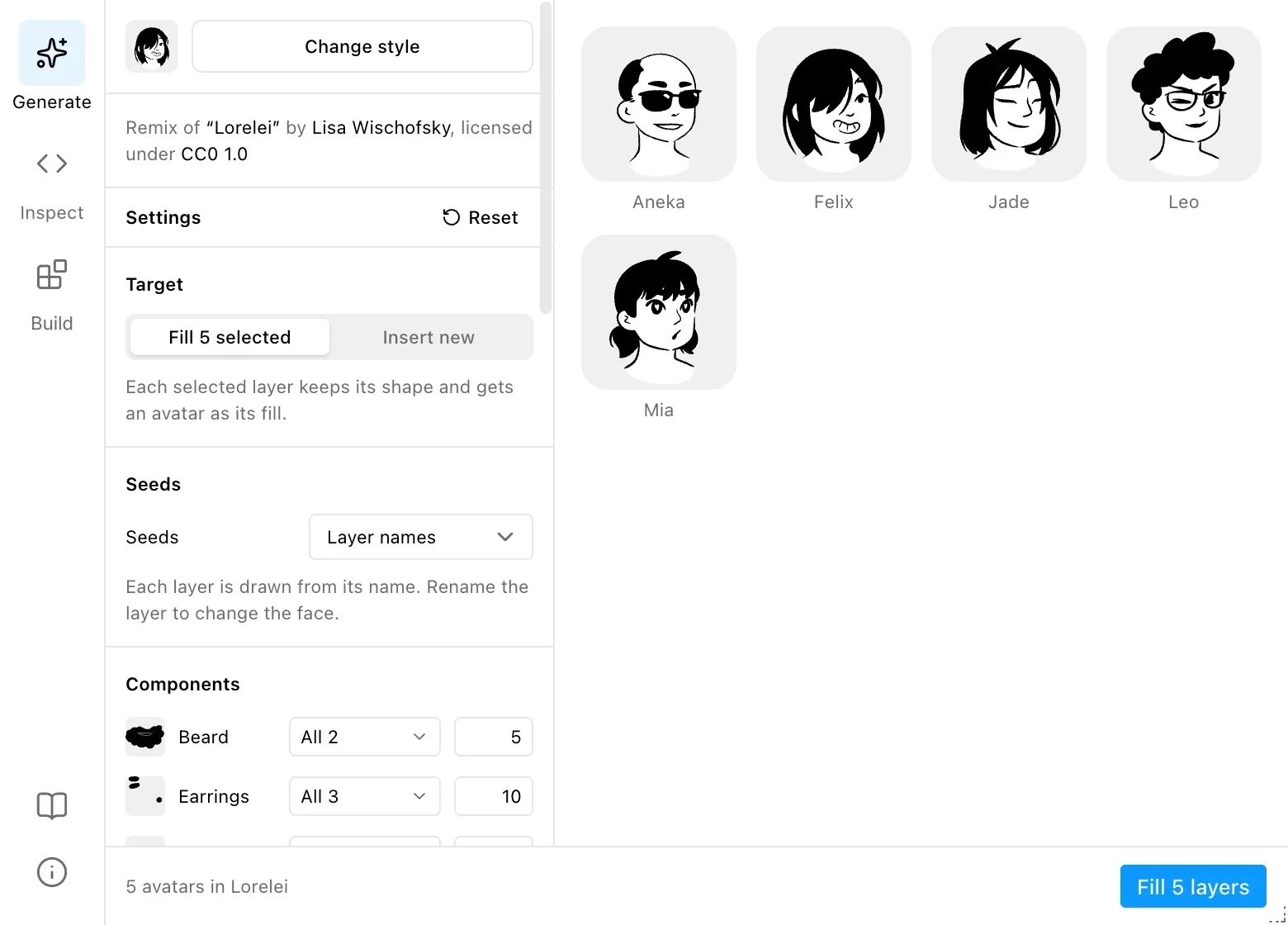
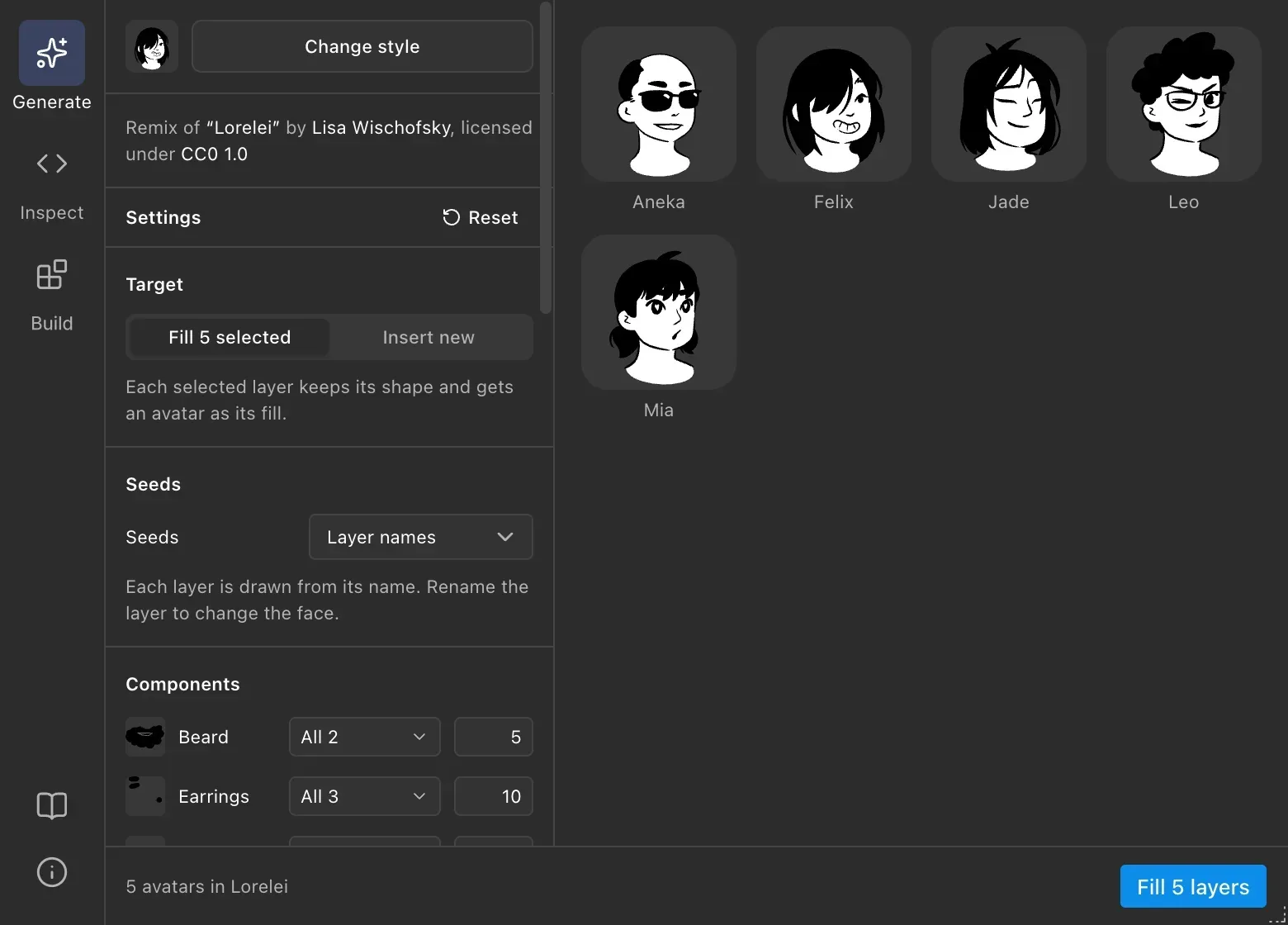
Select the placeholders: rectangles, ellipses, frames or any other shape. Each layer keeps its shape, corners and masks and gets the avatar as an image fill. One undo reverts the whole batch, and a filled layer remembers its style and seed, so you can draw new seeds or switch the style later.
Choose where the seeds come from
The seed decides which avatar a layer gets. Random draws a name per layer. Layer names use the name of each layer, so a placeholder called Felix shows the same face in every mockup. From a list takes one seed per line, Numbered builds them from a prefix and a counter.
Insert new avatars
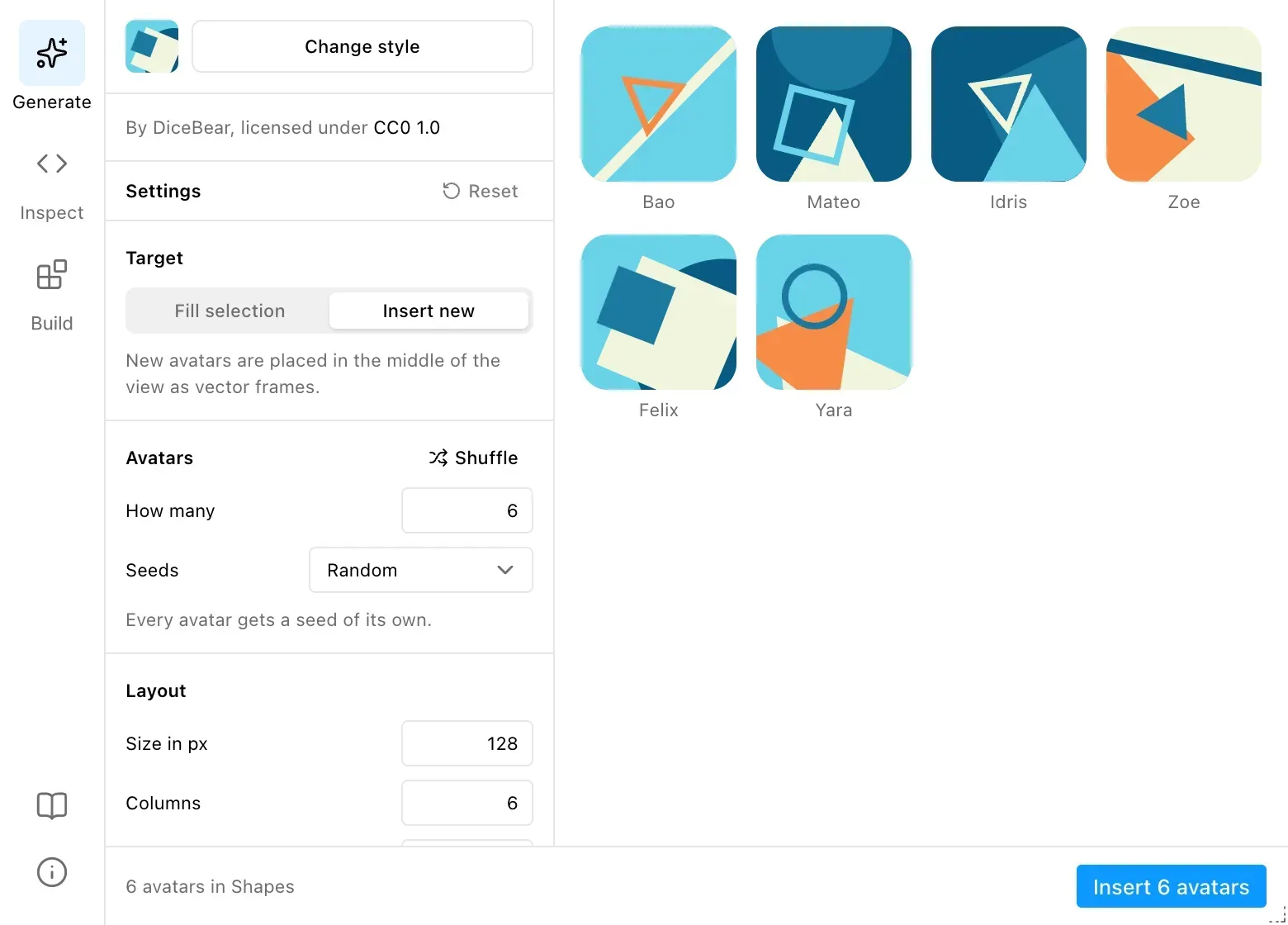
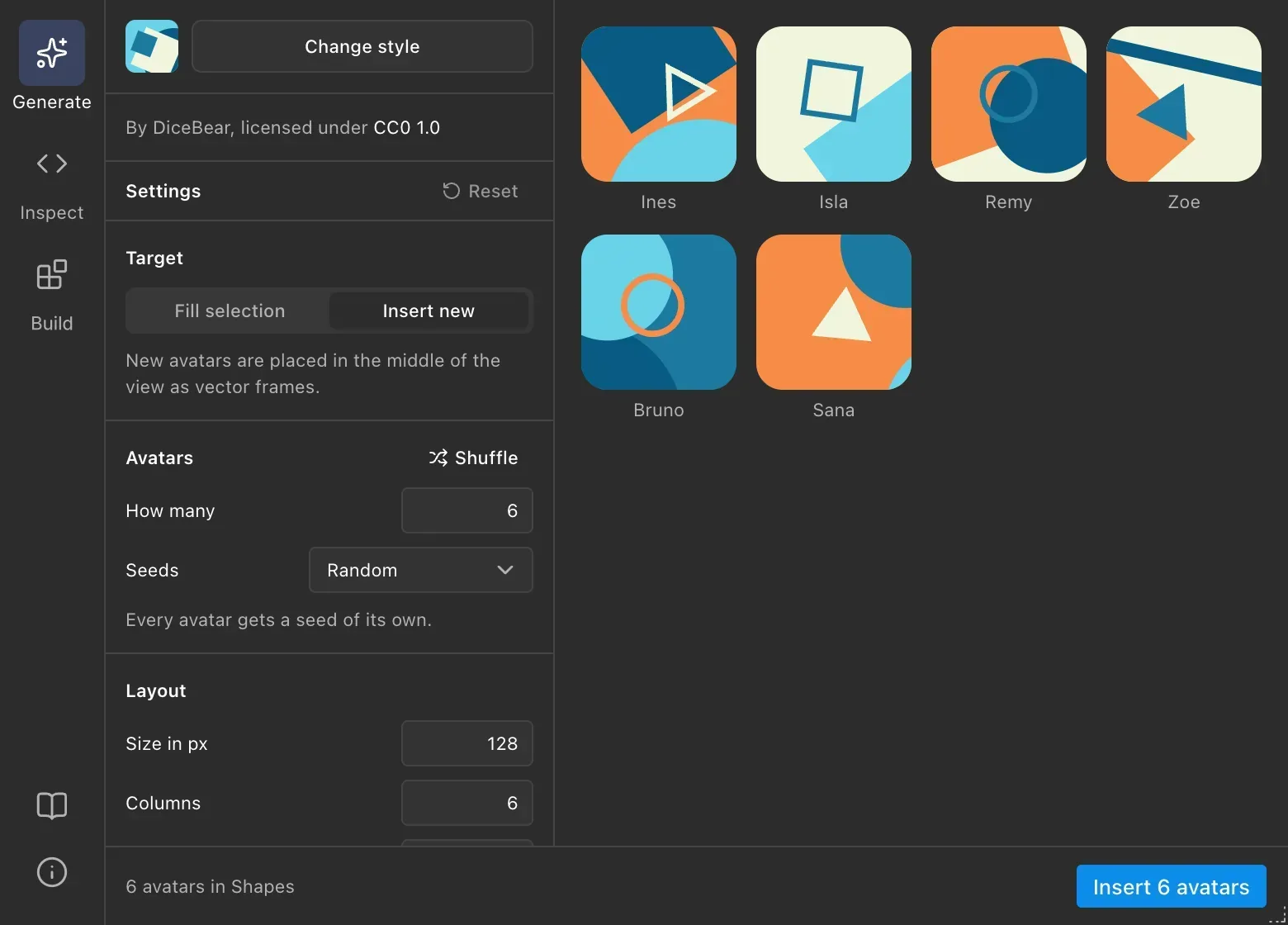
With nothing selected, the tab switches to Insert new. Set how many avatars you want, their size, columns and gap, and the plugin inserts them as vector frames, ready to edit, turn into components or export.
Bring your own style
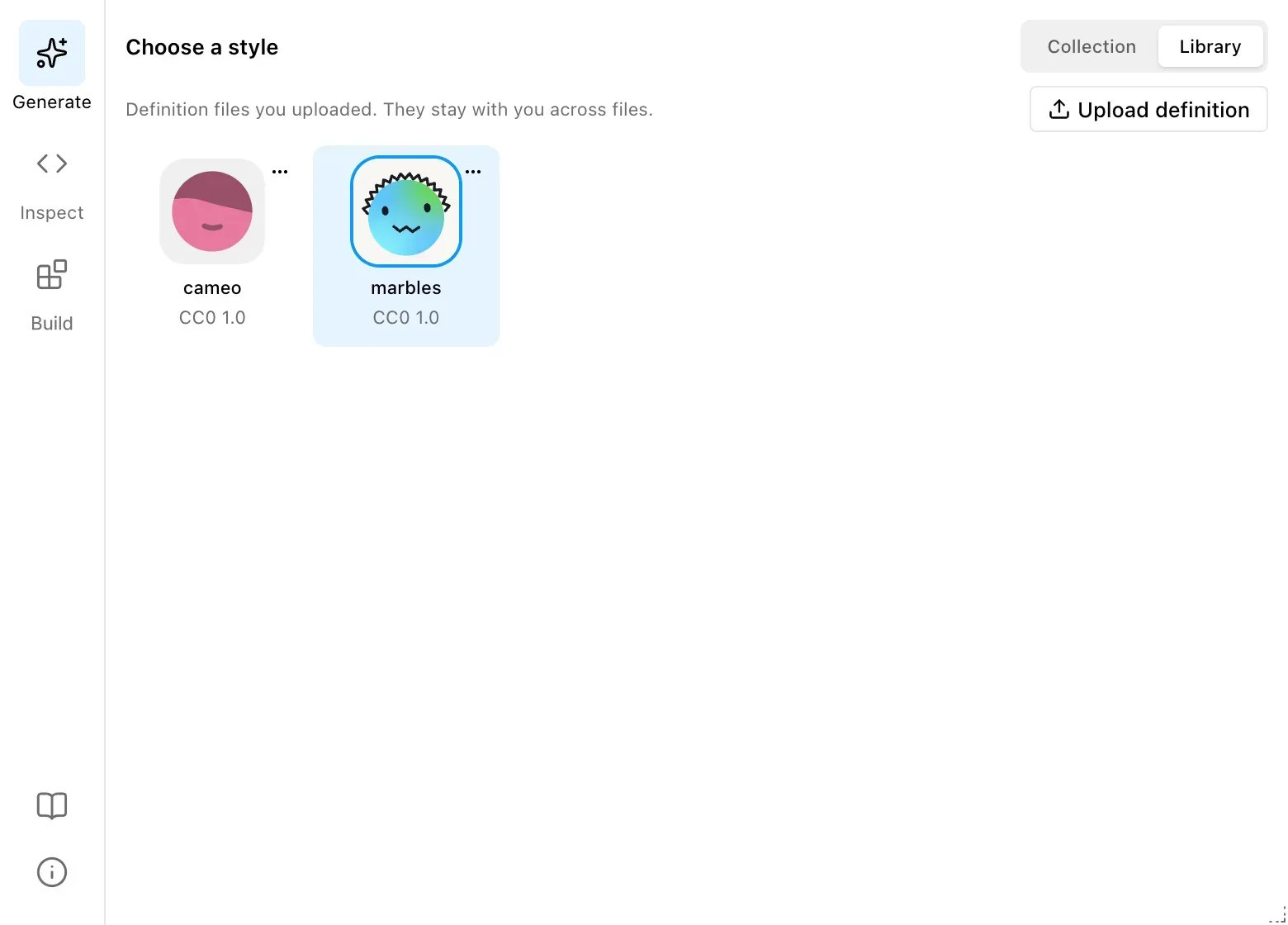
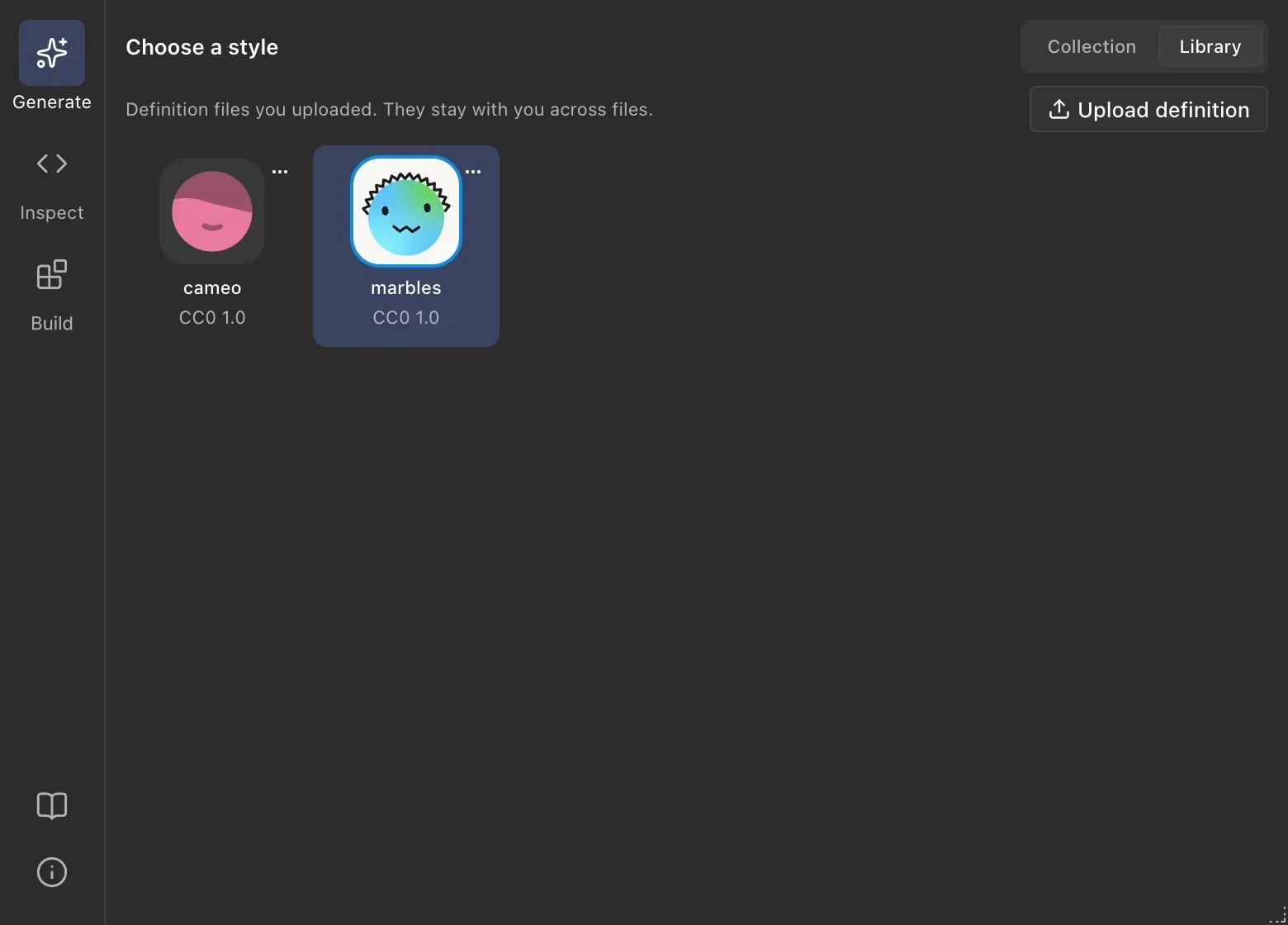
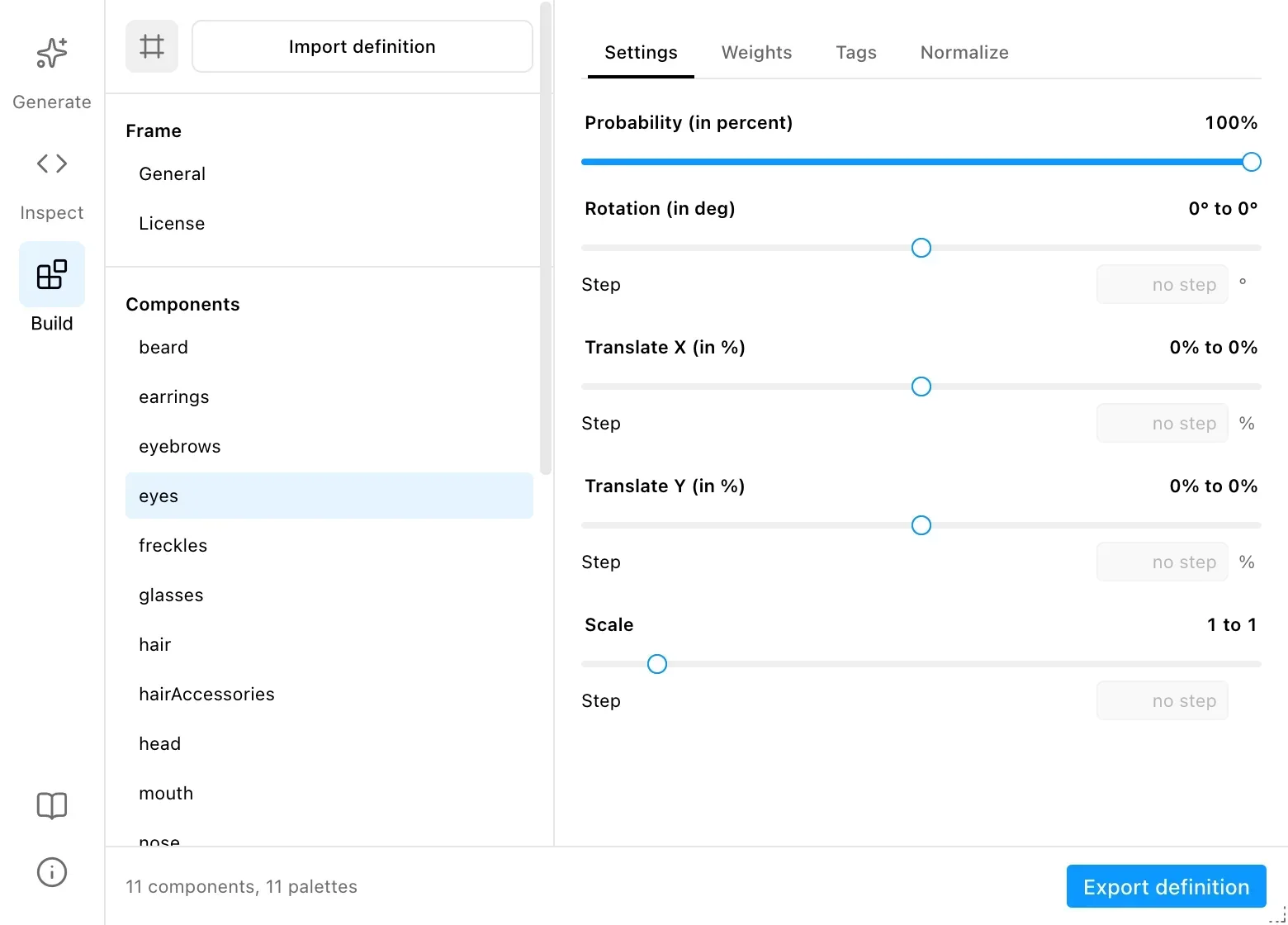
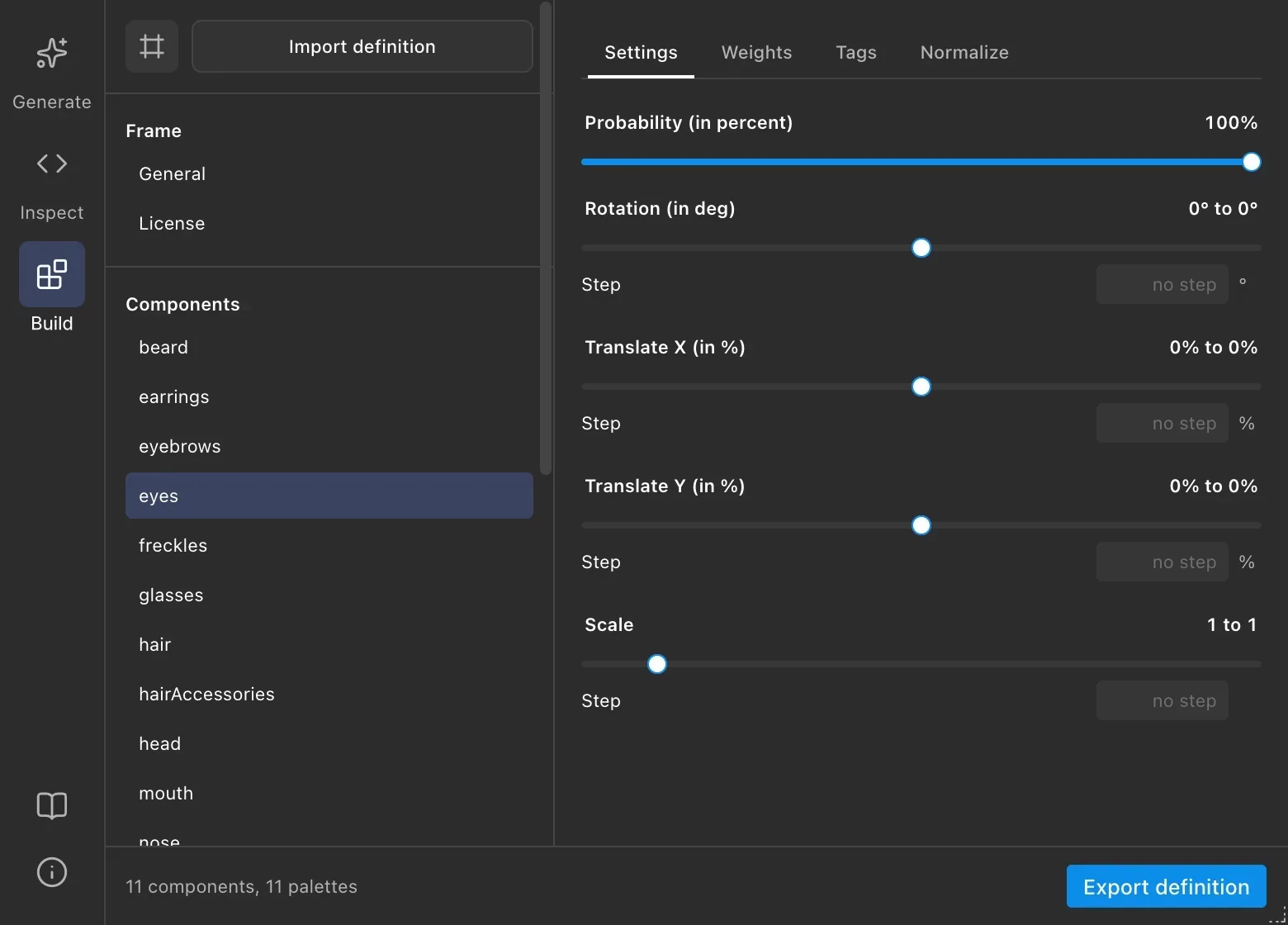
The gallery has a second tab, Library. Upload a definition file there and the style sits next to the collection in every Figma file you open. The plugin shows the license the file names, but it cannot check it.
Good to know
- Free
- Works in the Figma desktop app and in the browser.
- Private
- The avatars render inside the plugin, so no seed leaves Figma.
- Offline
- Definitions you have used stay cached in Figma and render without a connection.
- One host
- The collection and its previews come from api.dicebear.com. The plugin talks to nothing else.
- Open source
- MIT licensed, with the source on GitHub.
Try it in your next mockup
Select the placeholders, pick a style, fill.